Who Cleans Sensitive IT Equipment in Offices?
A dusty keyboard may look like a housekeeping issue. Dust inside a server rack, on a workstation vent or around network hardware is an operational concern. So, who cleans sensitive IT equipment? The right answer is usually trained specialist commercial cleaning operatives working to an agreed method statement, with clear authorisation and support from the client’s IT and facilities teams.
Sensitive IT cleaning is not a task for a general wipe-down with whatever product is available in the cupboard. Office technology, comms rooms and server environments contain live electrical equipment, ventilation routes, delicate connectors and business-critical data infrastructure. The cleaning approach must protect all of them while improving hygiene, presentation and day-to-day reliability.
Who cleans sensitive IT equipment?
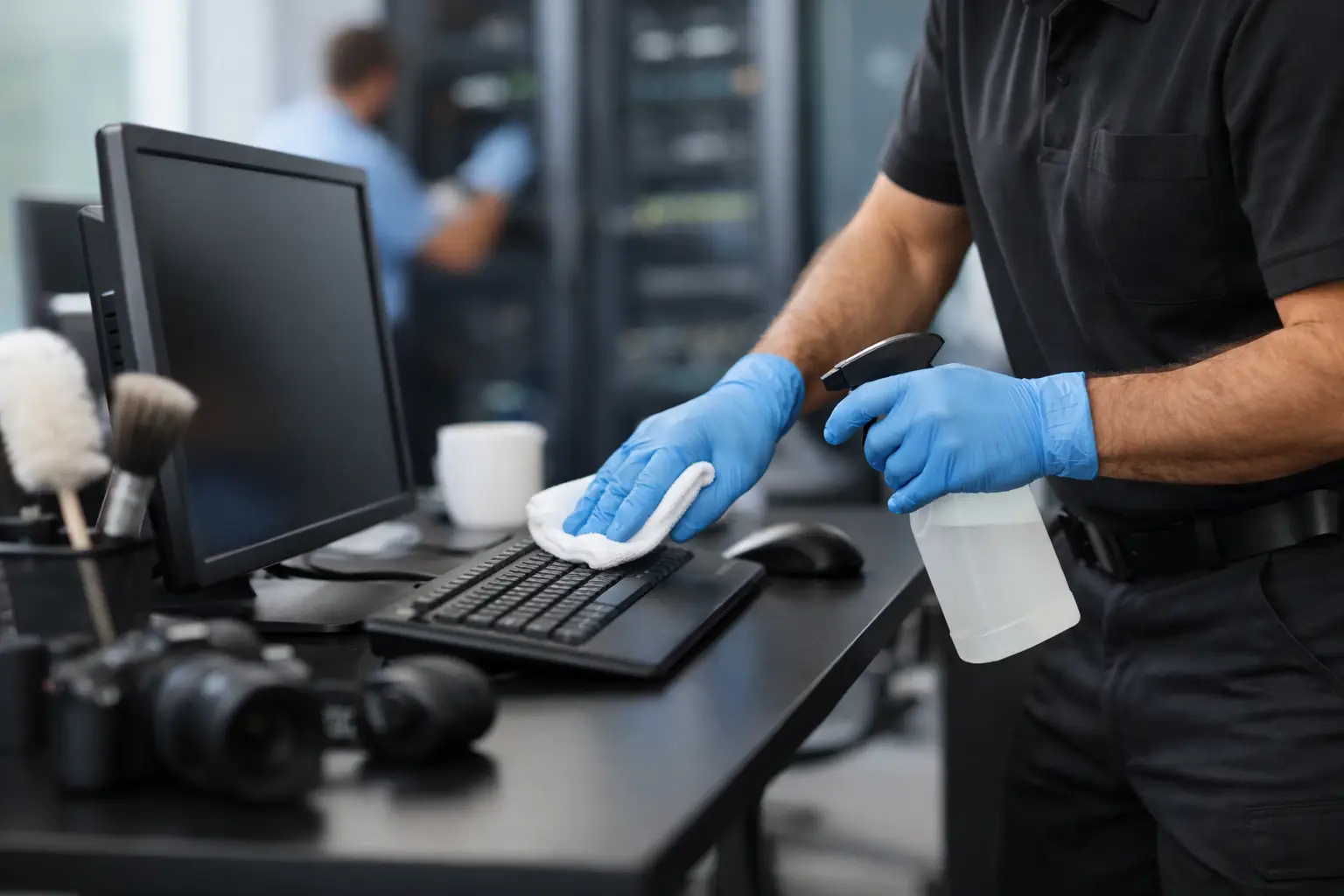
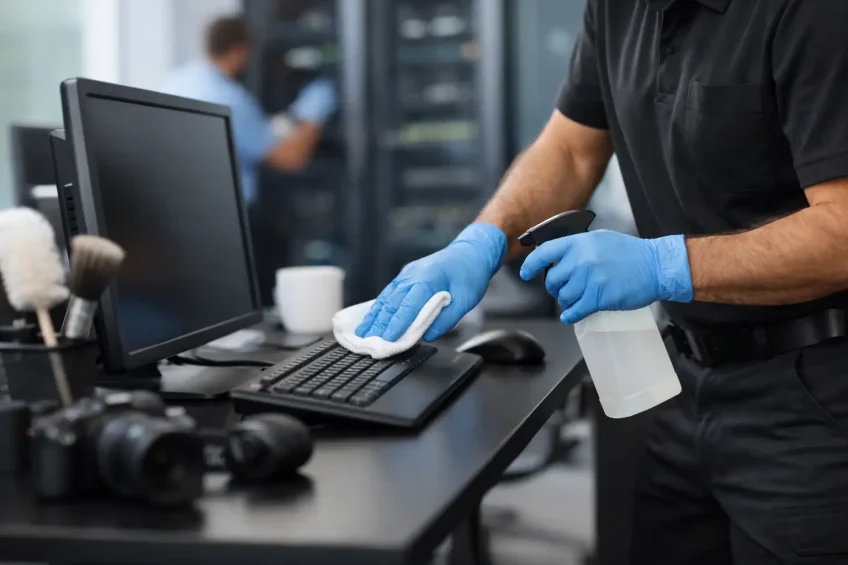
A specialist commercial cleaning provider with trained operatives is normally best placed to clean the external surfaces and surrounding environment of office IT equipment. This can include desktop computers, monitors, keyboards, telephones, printers, docking stations, AV equipment, server-room floors and external rack surfaces.
However, responsibility needs to be shared properly. Facilities management should define the scope, access arrangements and cleaning frequency. The client’s IT team should identify equipment that must not be touched, confirm whether devices can be powered down and advise on any manufacturer requirements. Where internal components, cabling alterations or hardware repairs are involved, those tasks remain with qualified IT engineers or approved technical contractors.
This division of responsibility matters. Cleaning operatives should never be expected to unplug, dismantle or reconfigure equipment simply to reach an inaccessible surface. A professional service works around the technology estate safely, escalating any uncertainty rather than making assumptions.
For a server room or communications space, the requirement is often more controlled. Access may be restricted, work may need to happen outside core hours, and a facilities manager may require a documented schedule of activity. The most suitable provider will be comfortable working within these controls, rather than treating the room as another office area.
Why IT equipment needs specialist attention
Office devices collect more than visible dust. Keyboards, mice, touchscreens, desk phones and shared meeting-room controls can become high-contact surfaces used by several people each day. Dirt, skin oils and residues affect appearance and hygiene, while inappropriate moisture or cleaning chemicals can damage coatings, ports and moving parts.
Ventilation is equally significant. Computers, printers, network switches and UPS units produce heat and depend on airflow. Dust accumulating around vents, racks and raised-floor areas can contribute to reduced cooling efficiency. Cleaning will not resolve a hardware fault or replace an IT maintenance regime, but it can remove an avoidable source of contamination from the operating environment.
In client-facing workplaces, the standard is also visible. A monitor covered in fingerprints, a stained keyboard or dust around a boardroom AV system can undermine the care taken elsewhere in the building. Regular specialist cleaning supports a workplace that is ready for employees, visitors and important meetings.
What a safe cleaning process looks like
The process should begin before an operative touches a device. A site survey or clear scope of work establishes the equipment types, room access, security expectations, live-working restrictions and any areas that require IT supervision. This planning is particularly valuable in headquarters, shared offices and managed properties where different tenants may have different technical environments.
Cleaning materials are selected for compatibility. Microfibre cloths, controlled-use cleaning products and equipment designed to minimise static and moisture risks are preferable to saturated cloths, aerosol sprays or household products. Liquids should be applied to the cloth where appropriate, not sprayed directly onto screens, keyboards or equipment openings.
Operatives should use light, deliberate techniques. External casing, display screens, keyboards, mice and desk telephones can be cleaned according to the agreed specification. Vent openings and hard-to-reach areas need care to avoid forcing dust further into equipment or disturbing connections. For server-room cleaning, floors, high-level surfaces, rack exteriors and accessible voids may form part of the plan, subject to the site’s operating procedures.
A good provider will also protect the workspace around the equipment. Cables should not be pulled, papers and confidential material should not be moved without permission, and desks should be left orderly. If an operative sees overheating signs, damaged cables, blocked vents or an equipment fault, the correct response is to report it through the agreed channel, not to attempt a technical repair.
The limits of commercial IT cleaning
Facilities managers benefit from being precise about what specialist cleaning does and does not cover. Cleaning can reduce surface contamination, remove dust from the immediate environment and improve the presentation of technology. It does not replace cyber security controls, electrical testing, preventive IT maintenance or data-centre engineering.
The level of cleaning also depends on whether devices are live. Some external cleaning can be undertaken safely while equipment remains in use when the method has been assessed and approved. More detailed cleaning may require a shutdown window or an IT representative on site. In a high-availability server environment, even a short interruption has consequences, so the cleaning programme should fit the organisation’s continuity arrangements.
There are cases where the safest decision is to leave an item untouched. Equipment under warranty, specialised medical or laboratory technology, damaged hardware and devices with unusual manufacturer instructions may need a different process. A responsible contractor will identify these exceptions early and adapt the plan accordingly.
What to ask a sensitive IT cleaning provider
The quality of a service is shaped as much by preparation and accountability as by the materials used. Before appointing a provider, facilities teams should establish whether its operatives receive IT-equipment and health-and-safety training, and whether work is supported by risk assessments and method statements.
It is also sensible to ask how access-controlled spaces are managed, how cleaning materials are approved, and how issues are recorded after a visit. For organisations with strict environmental or operational requirements, recognised management systems can offer added assurance. EDM Cleaning works within ISO 9001, ISO 14001 and ISO 45001 standards, reflecting the importance of quality, environmental management and occupational health and safety in specialist cleaning delivery.
Consistency is particularly important where cleaning is carried out across several floors, meeting rooms or tenant areas. A tailored schedule can distinguish between daily attention for shared keyboards and telephones, planned cleaning for individual workstations, and periodic work in server rooms or communications cupboards. This avoids over-cleaning equipment that needs limited contact while ensuring high-use touchpoints do not get overlooked.
Building IT cleaning into workplace readiness
The most effective arrangements make IT cleaning part of the wider facilities plan rather than an occasional reaction to visible dust. Coordinate it with desk moves, office reconfigurations, post-build works, deep cleans and return-to-office programmes. These are moments when devices, cables and enclosed spaces are often disturbed and when a controlled reset of the environment is useful.
Keep a simple record of rooms covered, equipment categories cleaned, restrictions observed and issues reported. This gives facilities and IT teams a practical audit trail and makes it easier to refine future visits. It also reduces the administrative burden on office managers who would otherwise need to explain the same site requirements repeatedly.
Sensitive IT equipment deserves cleaning that respects its role in the working day. With trained operatives, an agreed scope and close coordination between facilities and IT, cleaning becomes a quiet but valuable part of protecting workplace continuity and keeping every area ready for use.