How to Disinfect Office Equipment Safely
A shared keyboard can pass through several hands before lunch. A meeting-room touchscreen may be used by employees, visitors and contractors in the same morning. Knowing how to disinfect office equipment properly helps facilities teams reduce hygiene risks without damaging the technology the business depends on.
The objective is not to spray every surface with a strong chemical. It is to apply a controlled, documented routine that removes soil, targets high-touch points and respects manufacturers’ cleaning guidance. For busy offices, this approach supports employee confidence, protects equipment condition and keeps workplaces ready for daily operations.
How to disinfect office equipment without causing damage
Office equipment is not one category. A desktop telephone, a shared printer, a laptop screen and a server cabinet each have different materials, ventilation points and tolerances. The first rule is simple: disconnect equipment from power where practical, and never apply liquid directly to an electronic device.
Cleaning and disinfection are related but different tasks. Cleaning removes visible dust, fingerprints and grime. Disinfection uses an appropriate product for a stated contact time to reduce microorganisms on a surface. If a keyboard is visibly dirty, disinfectant will be less effective unless the surface is cleaned first.
A workplace procedure should identify which items are high touch, who is responsible for them, which products are approved and how often tasks are completed. This avoids the common problem of thorough cleaning in some areas while shared equipment is missed altogether.
Start with manufacturer guidance and product approval
Before introducing a new cleaning agent, check the equipment manufacturer’s care instructions. Alcohol-based wipes may be suitable for some keyboards, mice and hard plastic surfaces, while certain displays have coatings that can be affected by abrasive cloths or unsuitable chemicals. Printer interiors, camera lenses, card readers and specialist AV equipment may need a more specific method.
The cleaning product must also be appropriate for commercial use and supported by clear instructions. Follow the dilution, application method and contact time on the product label. A disinfectant that is wiped away immediately may not achieve its stated performance. Staff should have access to product safety information and receive COSHH training relevant to the materials they handle.
Prepare the area before cleaning
Switch off and unplug equipment where this can be done safely without disrupting operations. For fixed equipment that cannot be powered down, such as networked devices or essential reception systems, use a minimally damp cloth or wipe and take care around openings, ports and controls.
Remove loose debris first. Dust around keyboards, printer trays and vents can be lifted with a suitable dry microfibre cloth or purpose-designed tool. Do not use excessive compressed air around sensitive components unless it is approved for the equipment and carried out by a trained operative. Pushing dust further into a device can create a maintenance problem rather than solve one.
Apply disinfectant to the cloth, not the device
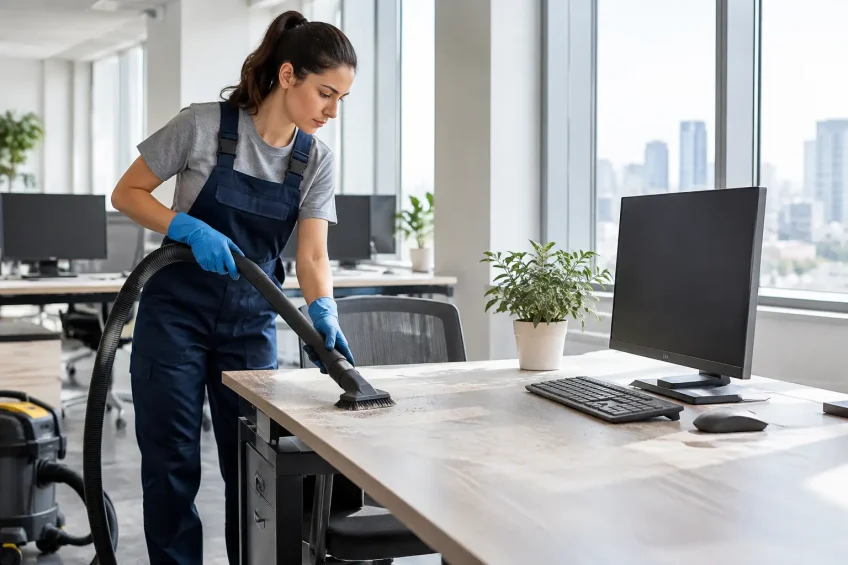
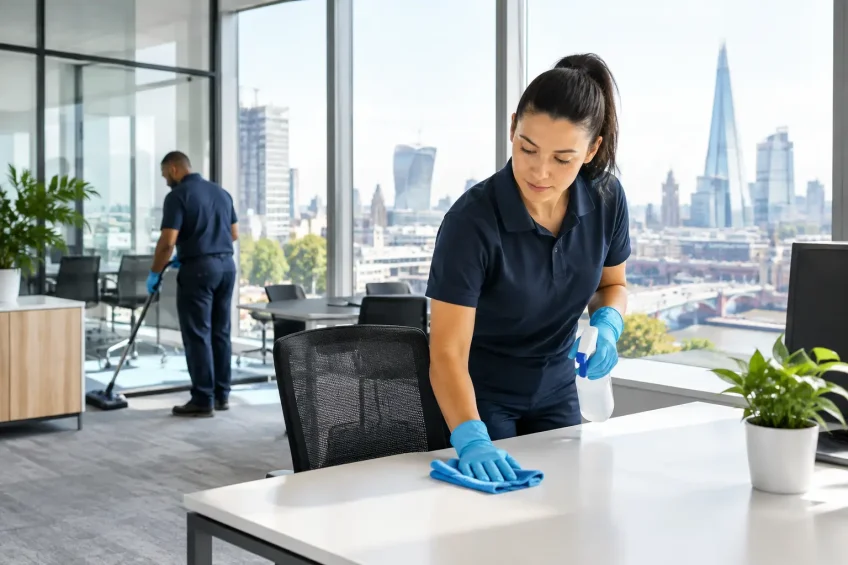
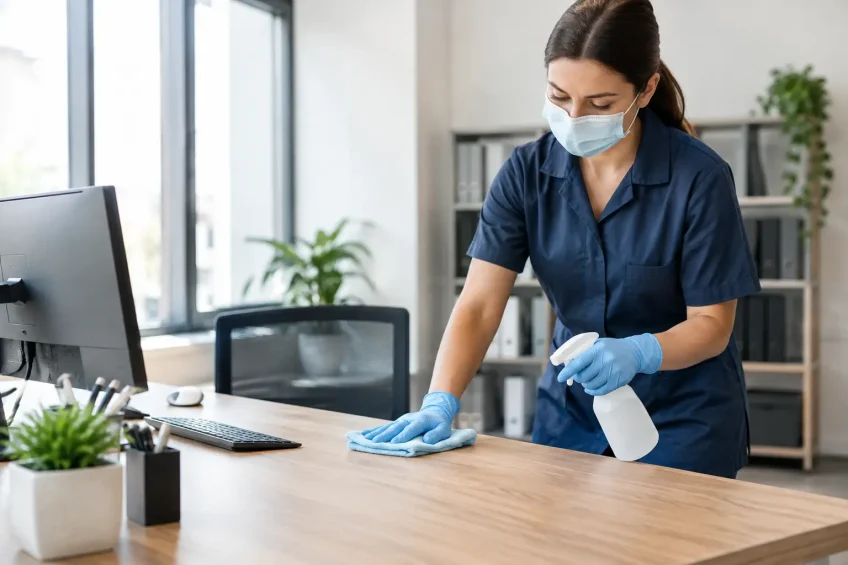
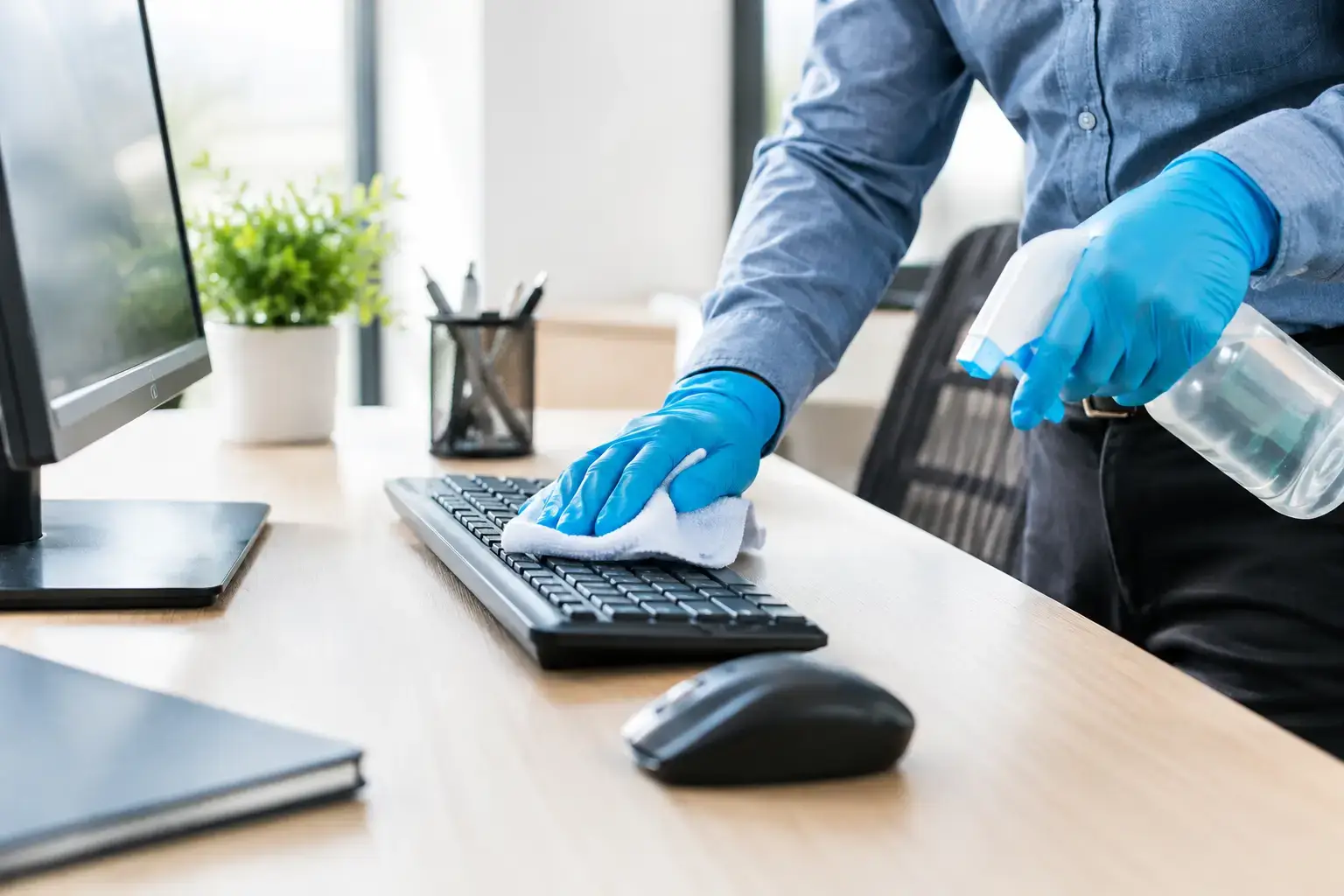
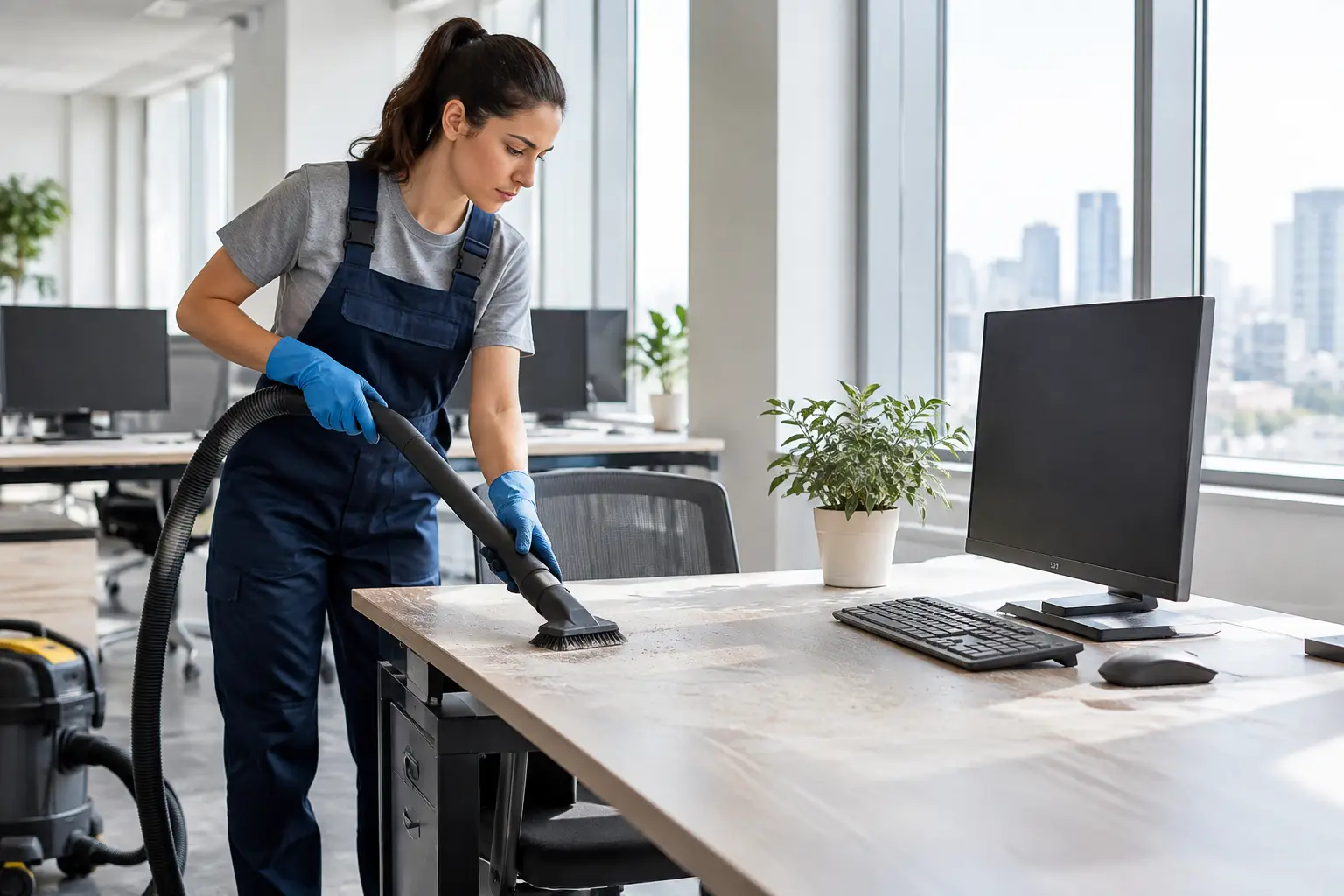
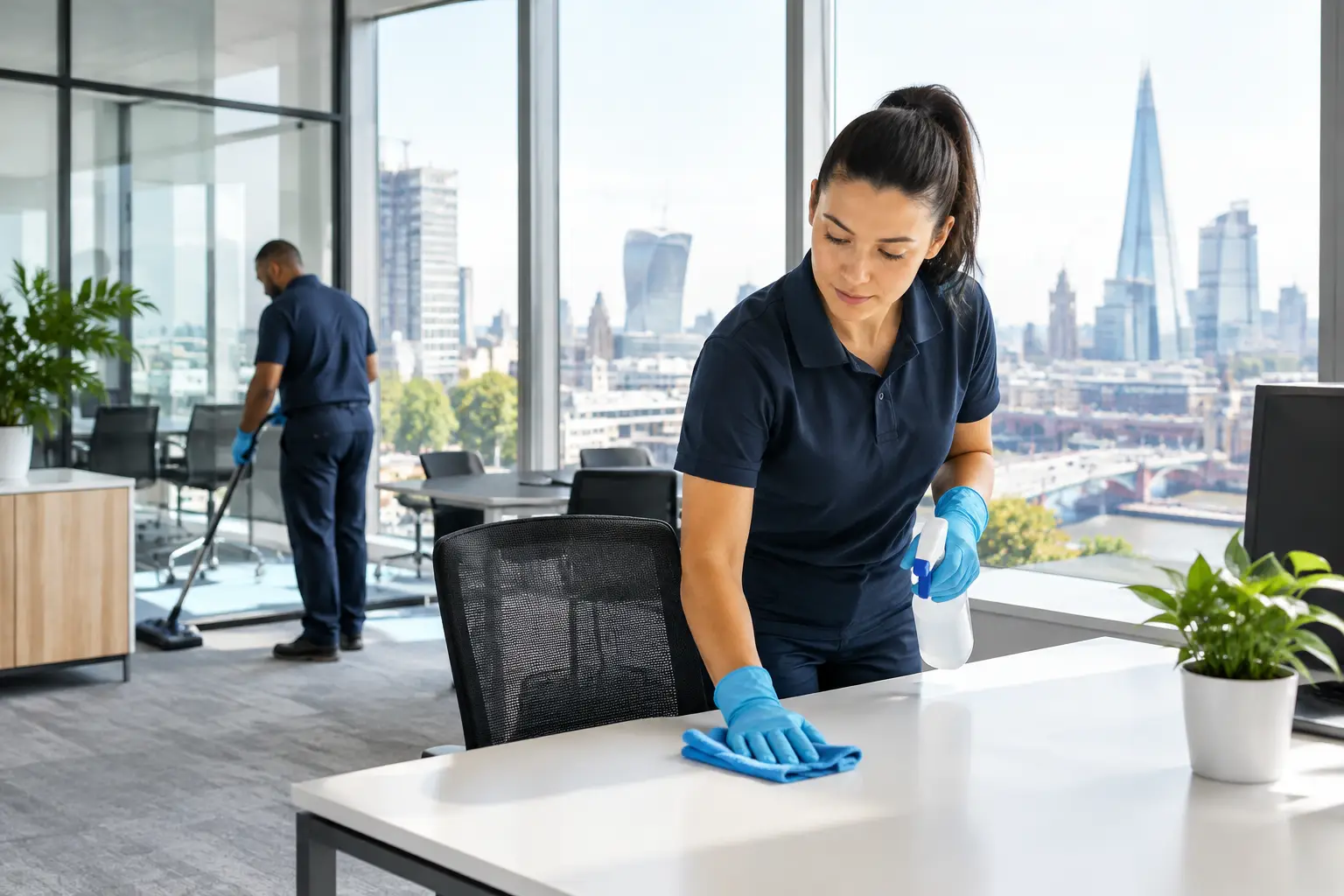
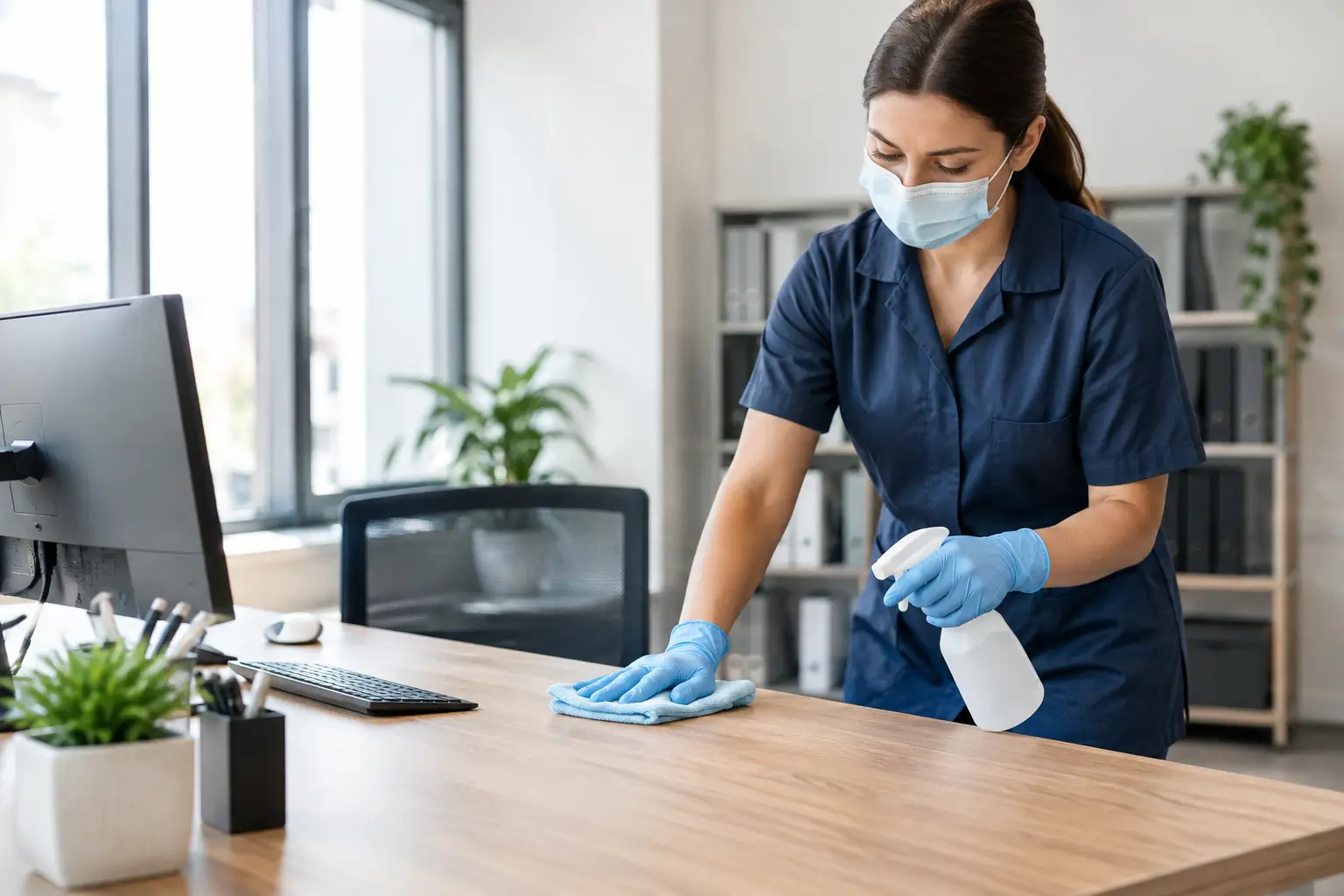
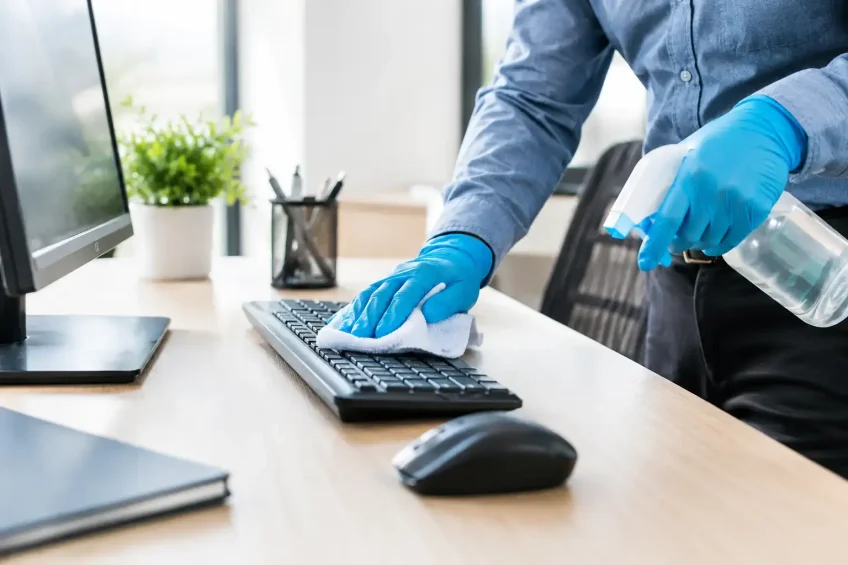
Use a clean, lint-free microfibre cloth or approved disposable wipe. The cloth should be damp, not wet. Apply the product to the cloth rather than spraying screens, keyboards, telephones or control panels directly. This gives the operative control and reduces the risk of liquid entering gaps, seams and ventilation openings.
Wipe high-touch points methodically. On a workstation, that may include the keyboard, mouse, desk phone handset, headset controls, docking station, chair arms and the edge of the desk. For shared printers, include the touchscreen, buttons, paper-tray handles and release levers. In meeting rooms, focus on remote controls, conferencing controls, touchscreens, presentation clickers and shared charging cables.
Change cloths or wipes between zones where needed. Using the same cloth across multiple desks without control can transfer soil from one surface to another. Colour-coded cleaning materials and clear separation between washroom, kitchen and desk-area equipment help maintain good hygiene discipline.
Allow the correct contact time and dry safely
The surface should remain visibly wet for the product’s specified contact time. This varies by product, so it should be built into the cleaning method rather than guessed. After the required period, allow equipment to air dry unless the manufacturer instructs otherwise.
Do not reconnect or use devices until they are fully dry. This is particularly important around power buttons, ports, plugs and charging points. A careful process may take slightly longer than a quick wipe-down, but it is far less disruptive than a damaged device or avoidable downtime.
Which office equipment needs the most attention?
A risk-led routine is more effective than treating every item with the same frequency. Equipment used by one person at an assigned desk may need regular cleaning as part of a personal workstation routine. Shared items generally require more frequent attention, particularly during periods of increased illness or high office occupancy.
Prioritise reception and visitor-facing equipment, hot-desking stations, meeting-room technology, shared printers, kitchen appliance controls and access-control devices. Door-entry keypads, lift buttons and signing-in screens are often part of the same hygiene journey, even if they are managed by different teams.
Server rooms require a different standard of care. Dust control, static awareness, restricted access and equipment-specific methods matter as much as surface disinfection. General-purpose sprays and wet cleaning methods are not appropriate around racks, cables and sensitive infrastructure. Specialist IT and server-room cleaning should be planned around the site’s operational requirements and access controls.
Set a practical frequency for your workplace
There is no single schedule that suits every office. A small office with assigned desks has different needs from a multi-floor City of London headquarters with client meeting rooms, flexible working and high visitor traffic. The right frequency depends on occupancy, sharing patterns, the nature of the work and any current health guidance affecting the organisation.
As a baseline, high-touch shared equipment should be included in the daily cleaning specification. Frequently used touchpoints may require additional cleaning during the day, especially in busy reception areas, communal spaces and meeting rooms with rapid turnover. Individual users can also be encouraged to keep their own desk equipment clean, provided the business supplies approved materials and clear instructions.
The key is consistency. A routine that is realistic, properly supervised and recorded will deliver more value than an ambitious schedule that is difficult to complete during a busy shift.
Build accountability into the cleaning plan
For facilities managers, the challenge is often not identifying what needs cleaning. It is ensuring that the work is completed correctly across every area, shift and building zone. A site-specific cleaning plan should define the equipment included, the method used, the agreed frequency and any equipment that requires specialist handling.
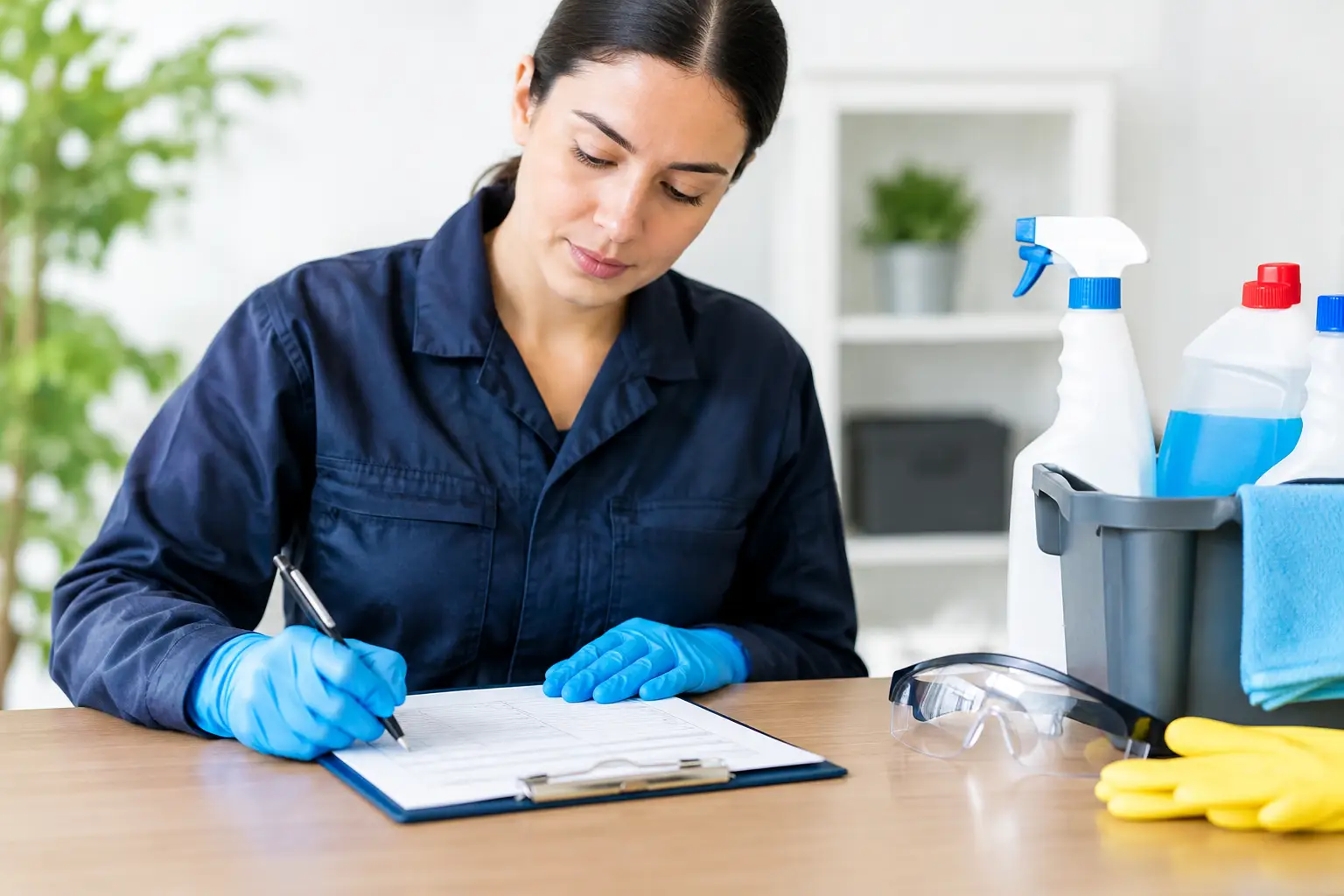
Quality checks provide evidence that the process is working. Supervisory inspections, cleaning checklists and feedback from office users can identify recurring issues, such as missed printer controls or meeting-room remotes that are returned to storage without being cleaned. When layouts, occupancy or technology change, the plan should be reviewed rather than left to drift.
Trained operatives are central to this process. They need to understand the difference between cleaning a desk surface and cleaning a sensitive device, as well as the importance of contact time, cross-contamination controls and safe product use. Good cleaning standards protect people, but they also protect the assets and continuity of the workplace.
When specialist support is the sensible option
Routine office cleaning teams can manage many day-to-day equipment touchpoints when they have the correct products, training and instructions. However, complex AV installations, server environments, post-illness response, large-scale disinfection programmes and technology-rich workspaces may require specialist support.
EDM Cleaning develops tailored commercial cleaning plans that can incorporate computer and IT-equipment cleaning, electrostatic disinfection and controlled cleaning for specialist environments. This gives facilities teams a single, accountable approach while allowing cleaning methods to reflect the needs of each part of the building.
A well-maintained workstation or meeting room rarely draws attention. That is exactly the point: employees can work, visitors can meet and facilities teams can focus on the next operational priority with confidence that the workplace is ready.